カクヨム
- KADOKAWA × はてな による小説投稿サイト
- 2016年2月正式オープン

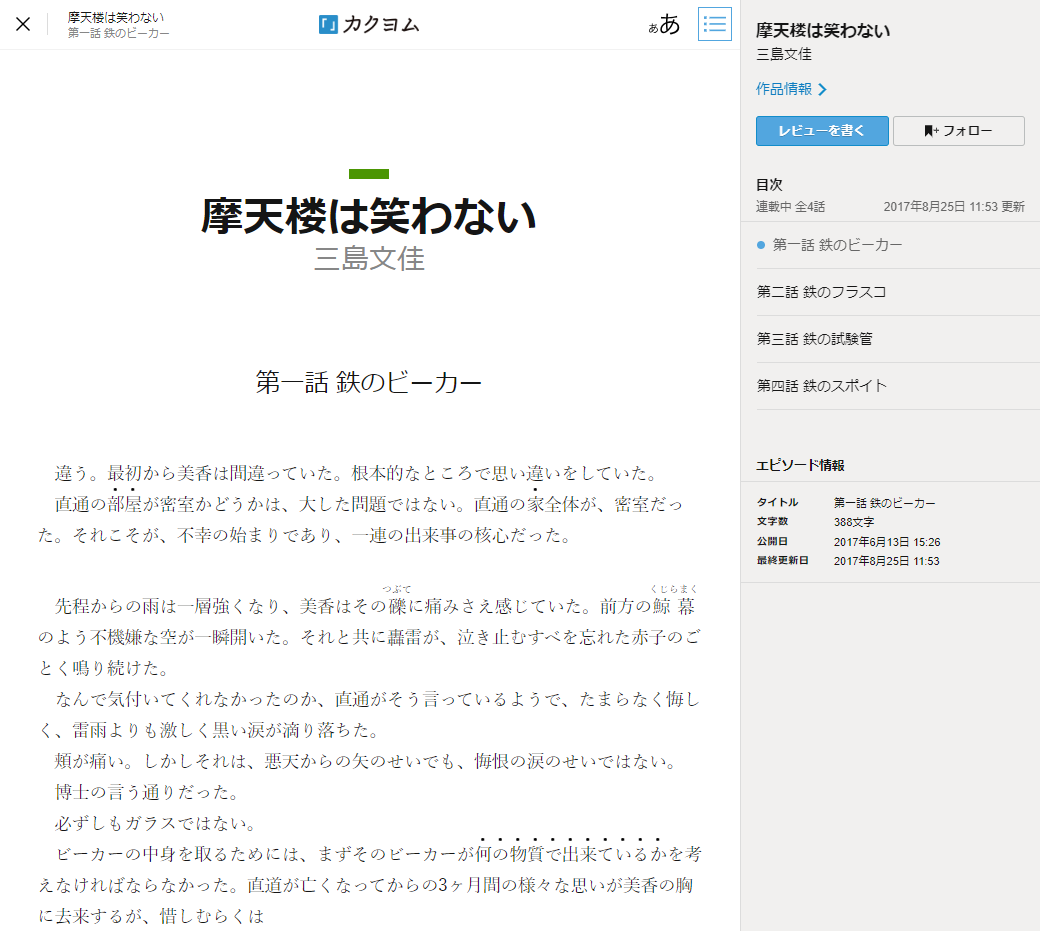

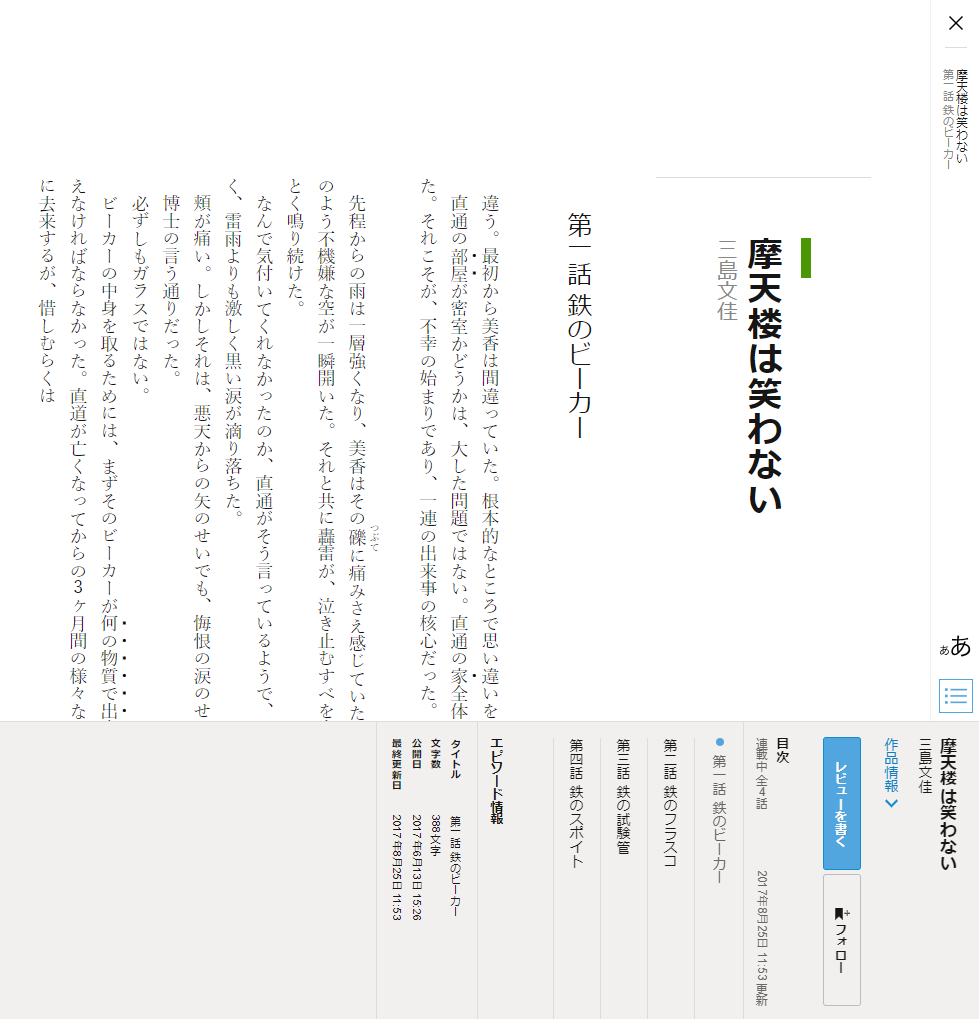
縦組みを実現しましょうとなったときに、本文のみを単純に縦にすれば良いのかというと、そうではないと思いました。
(略)
そこで、UIを含めた本文以外の要素もすべて縦にするのはどうか、というのがカクヨムの小説ビューワーにおける提案でした。
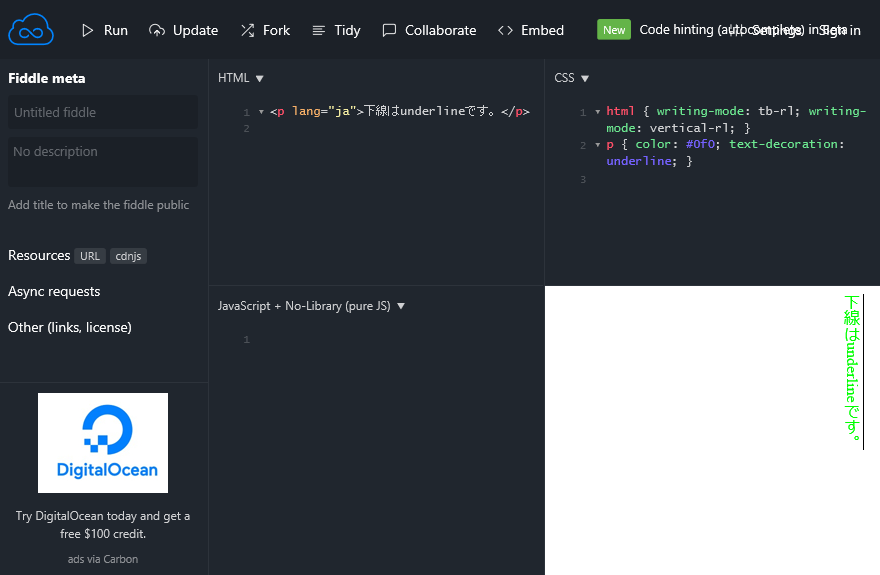
html.writingDirection-vertical {
  writing-mode: vertical-rl;
}
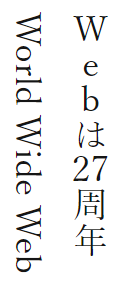
span要素を挿入.tatechuyoko1, .tetechuyoko2 { text-combine-upright: all; }
<span class="tatechuyoko1">W</span><span class="tatechuyoko1">e</span><span class="tatechuyoko1">b</span>は<span class="tatechuyoko2">27</span>周年
World Wide Web
main, time要素に未対応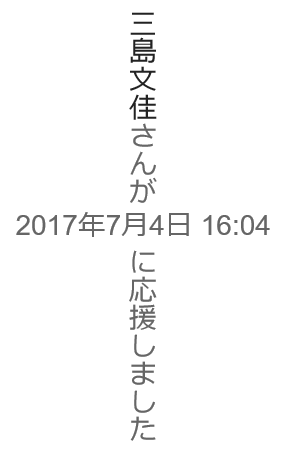
<main>は<div role="main">にtime要素の内容にspan要素を入れ、そこで縦組みを指定<div role="main"> <time datetime="..."><span>2018年4月31日</span></time> </div>
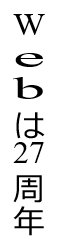
.tatechuyoko1,
.tatechuyoko2 {
  text-combine-upright: all;
}
<span class="tatechuyoko1">W</span><span class="tatechuyoko1">e</span><span class="tatechuyoko1">b</span>は<span class="tatechuyoko2">27</span>周年
writing-mode: horizontal-tbを指定
_:-ms-lang(x),
.tatechuyoko1 {
  text-combine-upright: none;
  writing-mode: horizontal-tb;
  line-height: 1;
}
scrollXが負数になる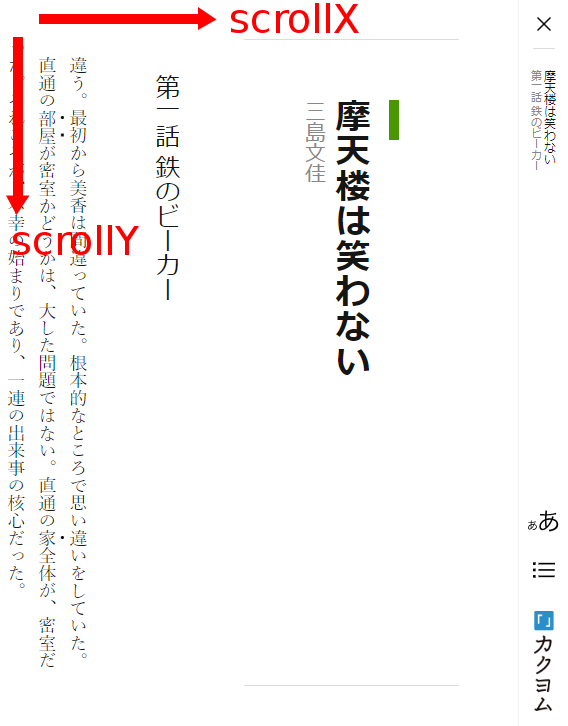
scrollYが正数になる
let scrollOffset = (scrollX < 0) ? -scrollX : scrollY;
writing-modeを指定する要素 (Firefox, Chrome)body要素に指定すると
html要素に指定する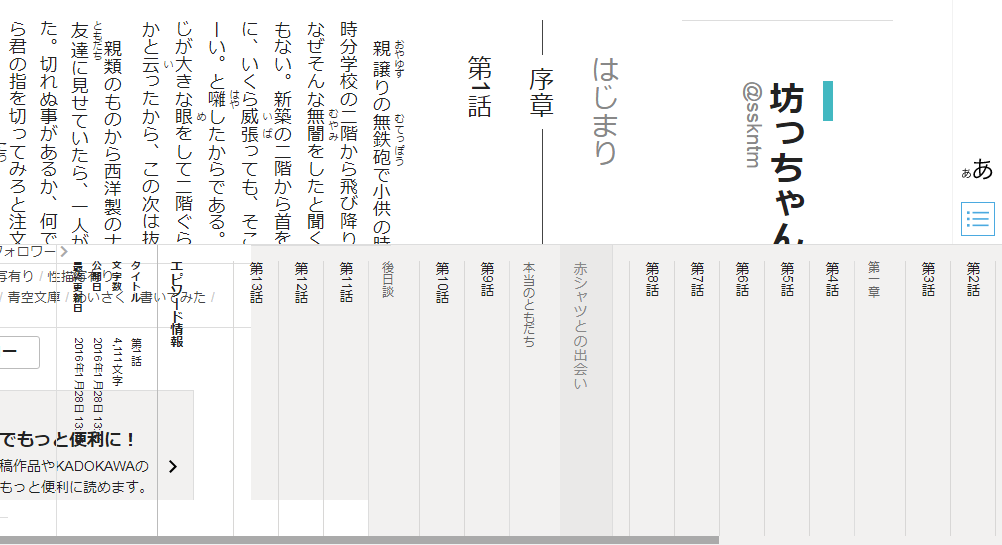
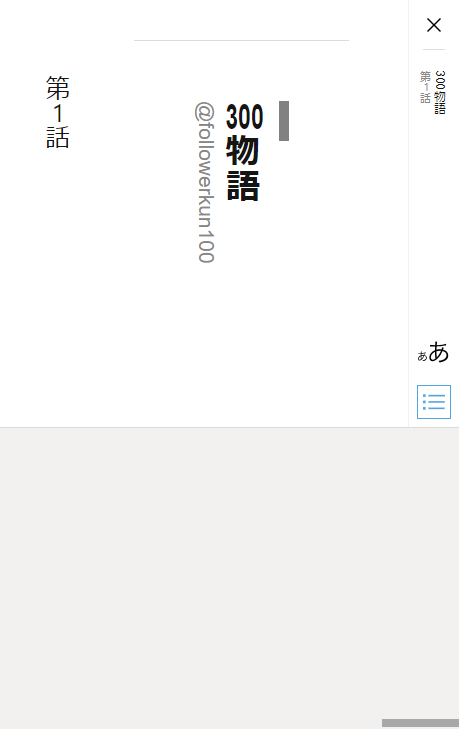
transform: translateZ(0)を指定
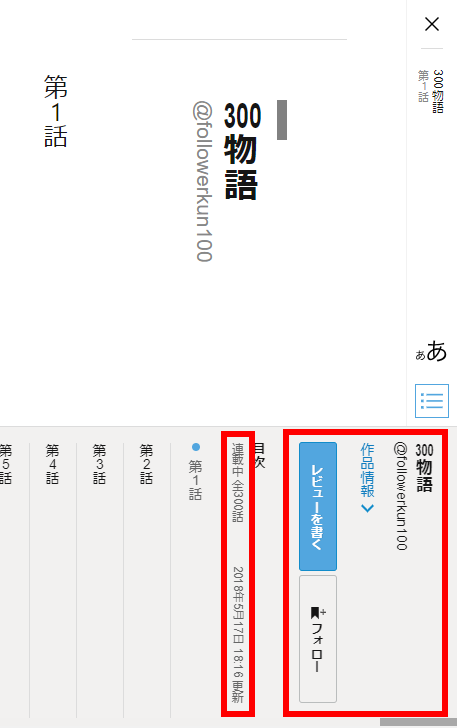
html.writingDirection-vertical {
  writing-mode: vertical-rl;
}
html:not(.writingDirection-vertical) {
  writing-mode: horizontal-tb;
}

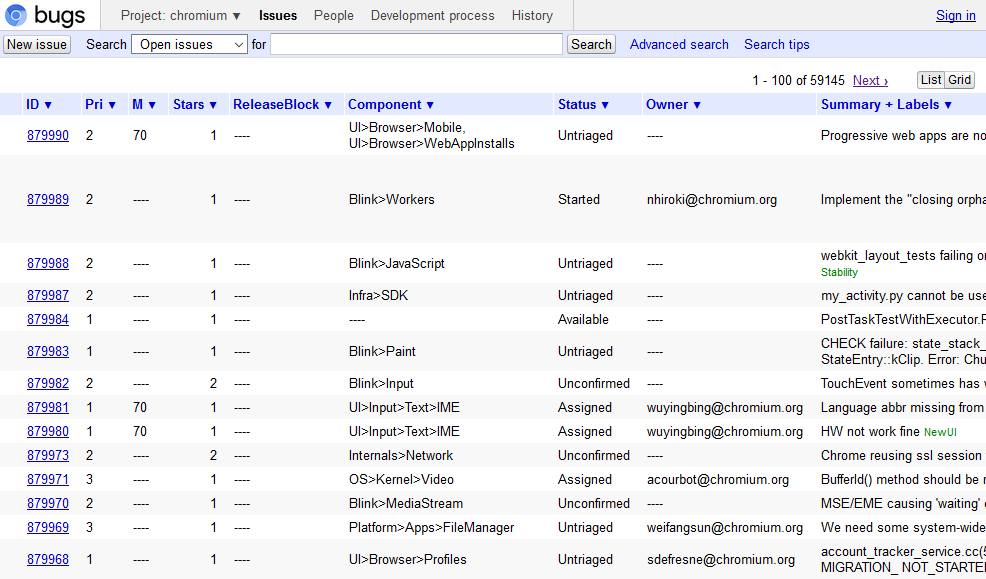
ブラウザが、自身のバグを見つけ修正できるようにしてやるのは、すべてのWeb開発者にとっての責任です。
John Resig - A Web Developer’s Responsibility